Everything syncs through your iCloud
Actions, prompts, quotes and keys travel in your own iCloud account. Nib has no server, so nothing of yours is ever on one of ours.
Native on every Mac you own
Set it up once. Your actions, your keys and your prompts are on each Mac you sign in to, in an app built from the system's own pieces.
Local models, Ollama first
The actions Nib starts with run on Ollama on this Mac, and the text never leaves it. LM Studio, llama.cpp and any hosted server that speaks the OpenAI protocol work too.
Any shell script
An action can be a command of your own. The selection arrives on standard input or in a variable, and what it prints comes back as a diff or an answer.
Rewrites text in place
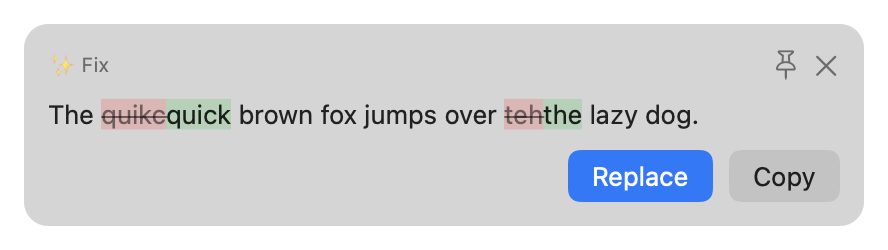
An action sends the selection to a model and shows what would change, word by word. Replace puts it into the app. Nothing changes until you say so.
Before it writes, Nib checks that the selection is still the one it started from, and reads the result back afterwards. If it cannot be sure, it writes nothing.
Answers beside the text
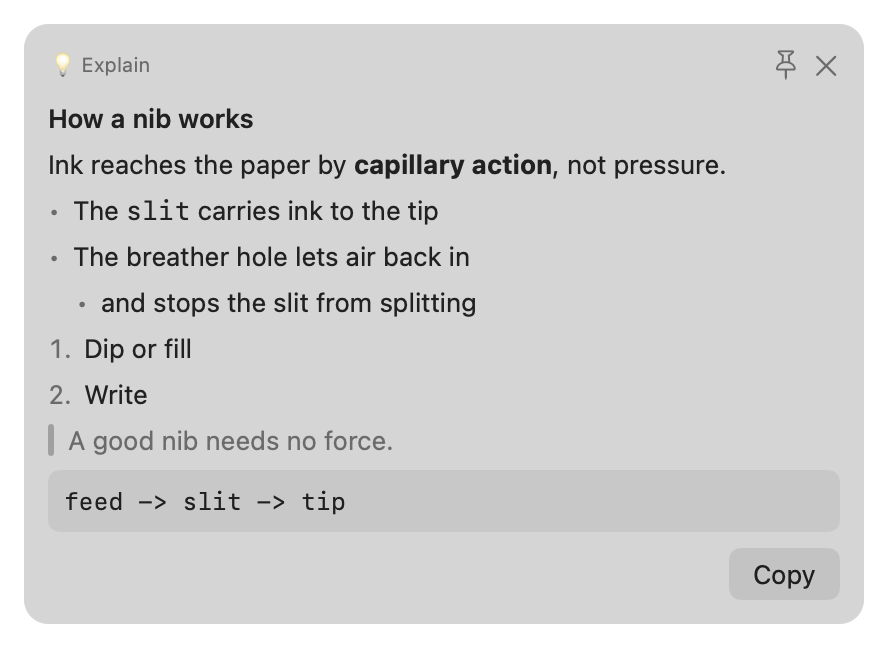
The same, for when you want to read something, not change it: explain, translate, summarise. The answer streams into a card next to what you selected.
Pin a card and it stays while you work elsewhere.
Keeps quotes
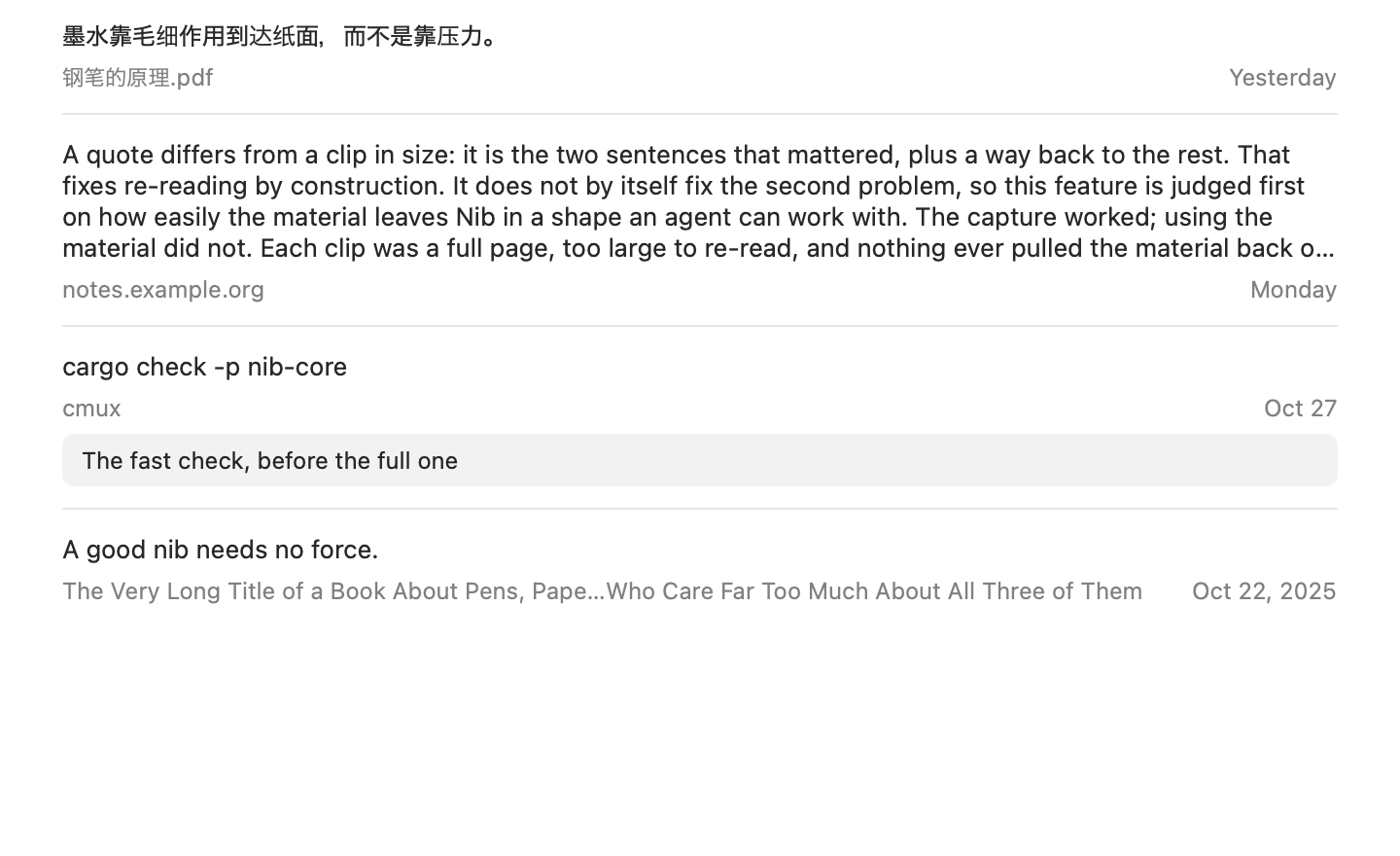
One click saves the selection with where it came from: the app, the time, and the page's address or the document's title when the app states it. A note is optional.
Everything saved is in one searchable list, and exports to a Markdown file made to be handed to another tool. There are no folders and no tags.

Runs what you choose
An action is one of three things. You write them; Nib ships with a few to start from.
- Model
- Sends the text with your prompt to any server that speaks the OpenAI chat protocol: Ollama or LM Studio on this Mac, or a hosted one with your own key.
- Shell
- Runs a command of yours with the text as its input.
- Quote
- Saves the text to the bank.
Your text goes only where you send it
- No server and no account. Nib has neither. There is nothing to sign in to.
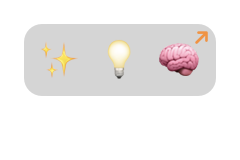
- Marked before you click. An action that sends the selection off this Mac carries a small orange arrow on the bar, and its card names the host the text went to.
- Keys stay in your Keychain. A key is saved per host and sent only to that host, over https. Nib follows no redirects.
- Your own iCloud. Actions, quotes and keys sync between your Macs through your iCloud account, not through anyone else's machine.
- Silent when unsure. If Nib cannot read a selection, nothing appears.
Setting it up
- Open Nib. A pencil-tip icon appears in the menu bar; there is no window.
- macOS asks for the Accessibility permission. Nib needs it to read the text you select in other apps, and for nothing else. Open System Settings, then Privacy & Security, then Accessibility, and switch Nib on.
- Select some text anywhere. The bar appears beside it.
Needs macOS 14 or later, on Apple silicon.
Get Nib
Nib is in development and is not for sale yet.